Shared tab
On your computer
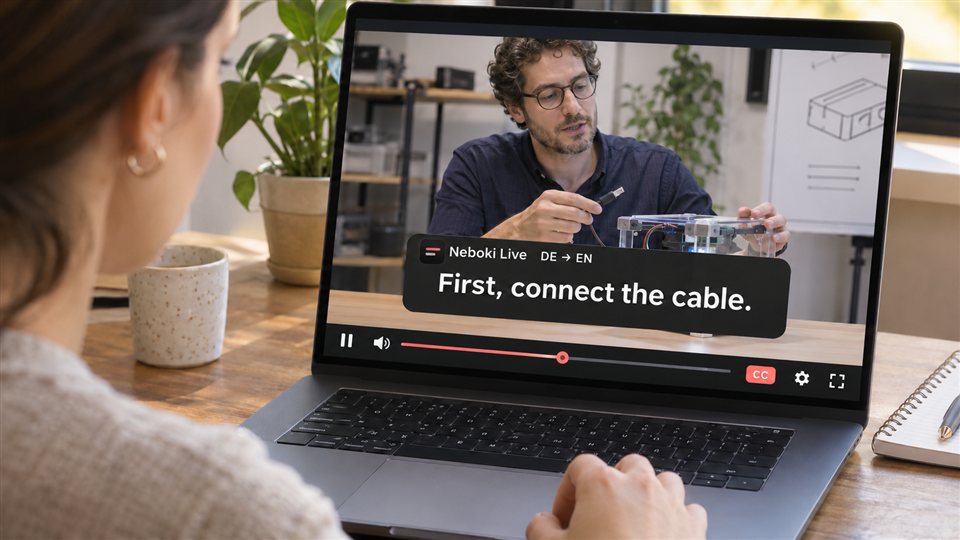
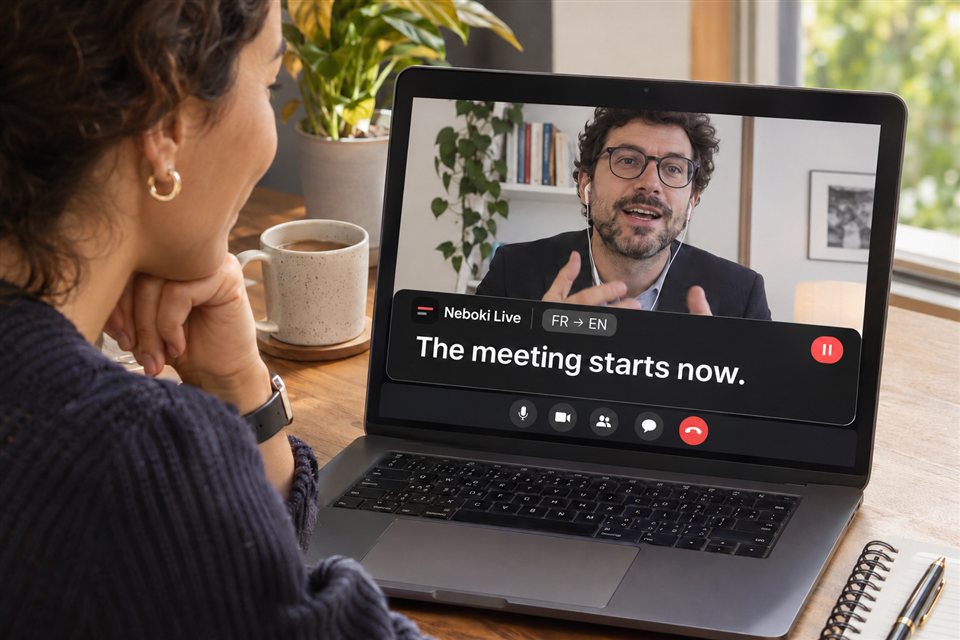
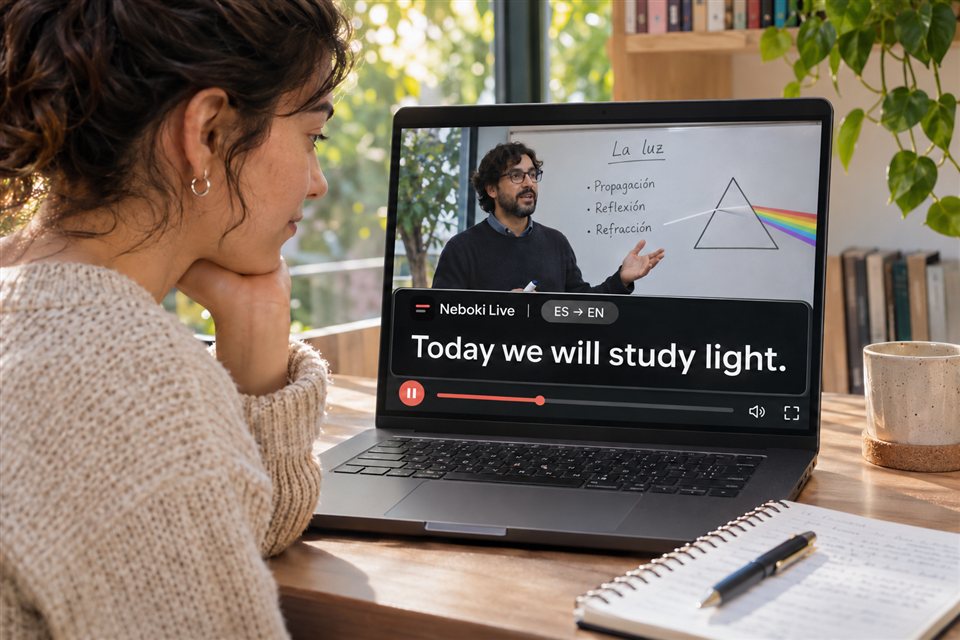
Zoom, Teams, Meet, YouTube, webinars. The captions float in a small window on top of everything, so they stay with you whatever you open.
Nothing in between you and the model
Translated captions that float over your calls, videos and meetings, about a second after each sentence. On your computer and on your phone.
Works with whatever you are listening to
One app, every situation
Pick what to listen to: a browser tab, your microphone, or the two mixed. The rest is automatic, including which language each person speaks.
Shared tab
Zoom, Teams, Meet, YouTube, webinars. The captions float in a small window on top of everything, so they stay with you whatever you open.
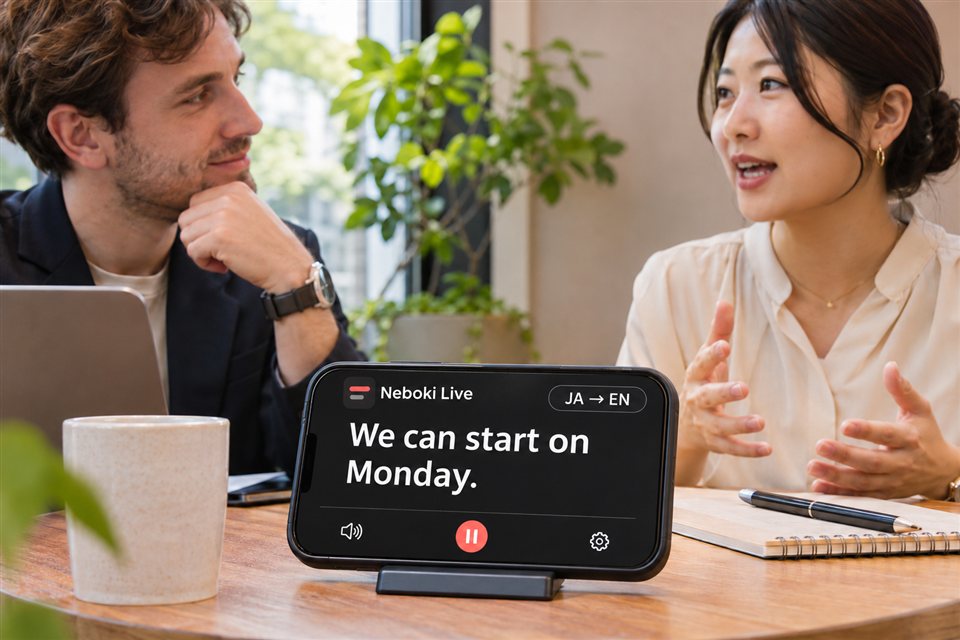
Microphone
Meetings, interviews, classes, a doctor's visit. Put your phone or laptop on the table and read along: it listens through the microphone.
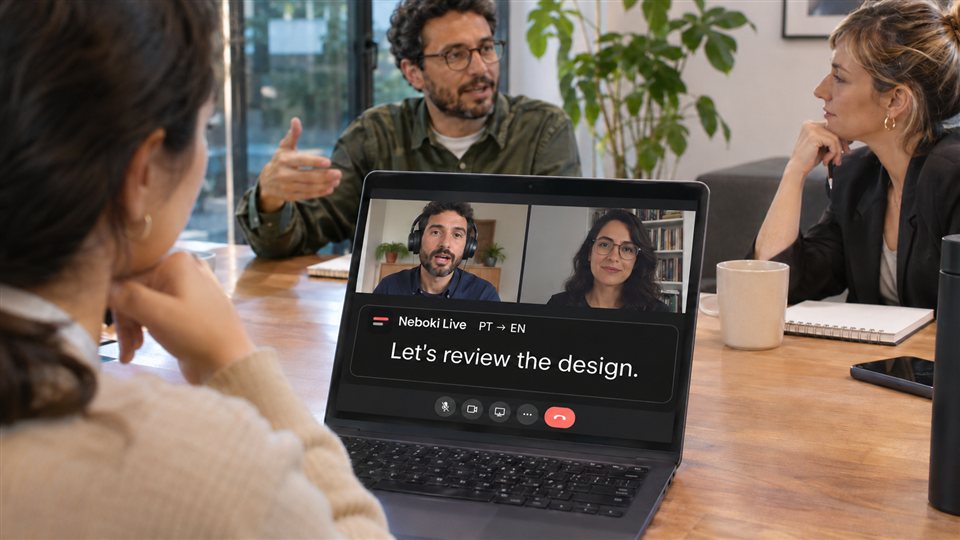
Tab + microphone
Hybrid meetings: the people on the call and the people in the room, mixed into one transcript.
For work
For the meetings, calls and events where an interpreter takes days to book and costs too much to keep. Open it, press Start and read.
Catch every nuance of the negotiation while they speak, and answer on the spot.
$0.79 / hour
Dailies and committees where everyone speaks their own language and reads in theirs, with the summary already written.
$0.24 / hour
The technician talks and you read on your phone as you walk the plant. No interpreter to fly in.
$0.79 / hour
One trainer for staff in several countries: each person follows the session in their own language.
$0.24 / hour
Take the projects you used to turn down because of the language. It also suggests what to reply, in theirs.
$0.79 / hour
For the candidate and for the recruiter: nobody loses the thread, or the talent, over a language.
$2.15 / hour
Deal with the factory directly, with no agent in the middle, and keep the whole call in writing.
$0.79 / hour
Captions on the big screen for the whole room, or the translation read aloud in your headphones.
$2.34 / hour
On your phone
Add it to your home screen and it opens like an app. No store, no download, no account needed.
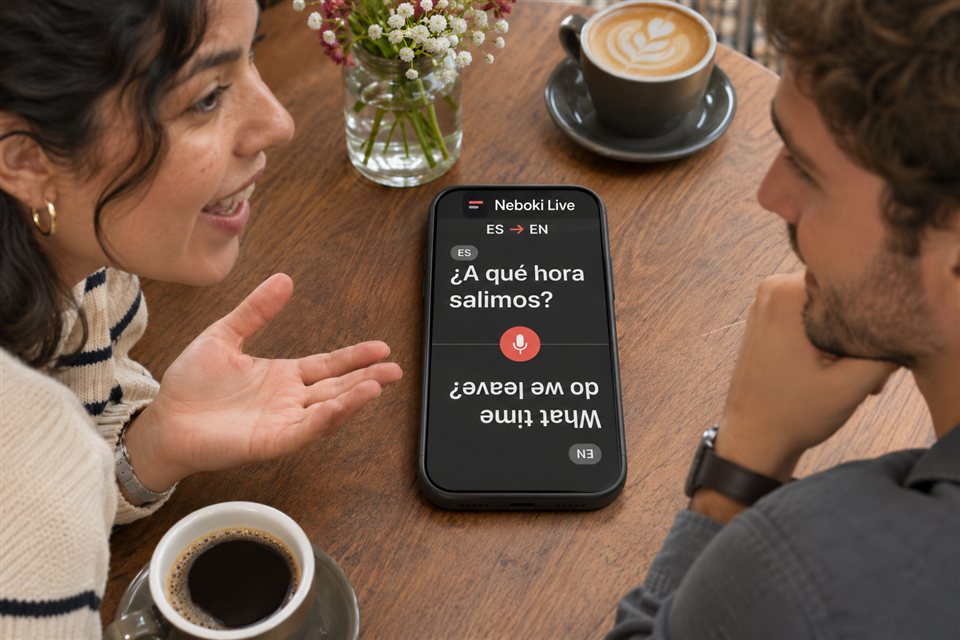
Face to face
Put your phone between you. Each person reads in their own language, with one half of the screen facing each way.
ES → EN Start a conversation →Welcome to the plant. We start with the safety briefing.
Helmets are mandatory past the yellow line.
Is there a break before lunch?
Sale a las 22:40, desde el andén 3.
What time does the last train to Bilbao leave?
Our second quarter closed 18% above plan.
More than captions
The translation, with the original underneath if you want it. Or put on headphones and an interpreter voice reads it to you.
Translates while they are still speaking, in its own voice.
What you could reply and what you could ask, in your language and in theirs.
A summary that writes itself, and the whole conversation to export.
A glossary of names and terms that must never be translated.
A live cost estimate, and a spending limit per session.
Export any conversation as text, or sign in with Google to keep your history, only if you choose to.
How it works
Try reading along
Follow a few example lines as the conversation moves between languages.
Yes, from three o'clock works well for me.
Yuki JA 来週までに見積もりを送ります。
I'll send the quote by next week.
Private by design
Pricing
Use your own OpenAI key. No subscription, no markup: your provider bills you directly, at its own prices.
$4.80 a month · no subscription
Estimates per hour of meeting with people speaking 65% of the time, at OpenAI standard prices. Your OpenAI or Azure bill is the reference.
Get started
An OpenAI API key, or your company's Azure OpenAI.
Your language, and what to listen to.
And read along. That's it.
FAQ
No. Only you open Neboki Live. It listens to the call or the room, and nobody else needs to do anything.
It detects the spoken language by itself, sentence by sentence, so people can mix languages. It translates into more than 20, including English, Spanish, French, German, Portuguese, Italian, Chinese, Japanese and Arabic.
Yes, in the browser. On a phone it listens through the microphone; add it to your home screen and it opens full screen, like an app.
Only in your browser, unless you sign in and choose to save it to your account. The audio goes to OpenAI to be transcribed and translated, under your own API terms.
It is what keeps the app free and private: you pay the model directly, at cost, and no server of ours sits in the middle of your conversations.
Open it in your browser and start in under a minute.